iOS · App Store · SSH client for tmux
A tmux client for all your machines, on every network.
Every machine's tmux sessions in one list, over tailnets, VPN tunnels or plain SSH. A phone UI that reads each screen and shows which agent is waiting on you.
questions or bugs? Report an issue · support@tmuxnet.com
demo
one take, sped up · 2:08
One take, sped up.
real app, real agents, filmed in the simulator. sped up, nothing reordered.
what it does
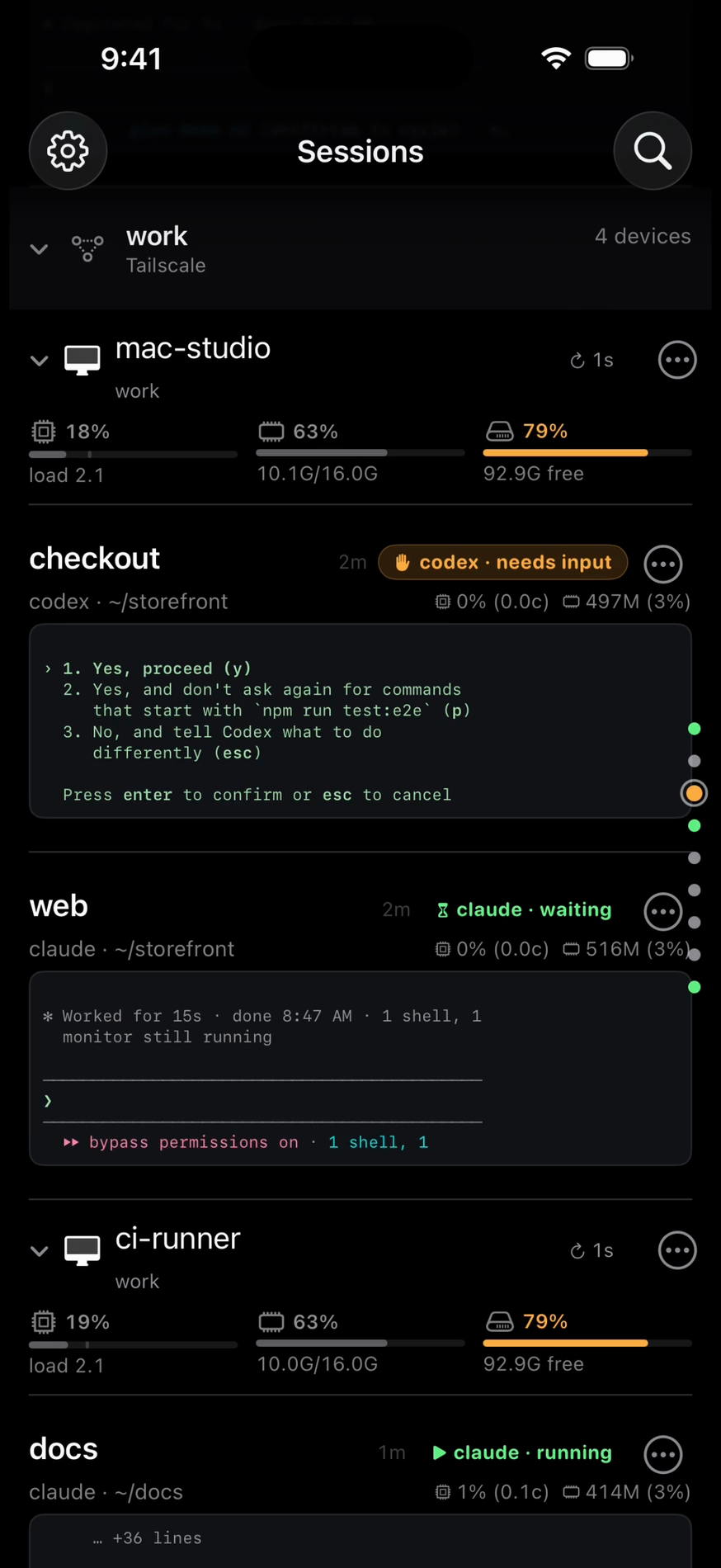
The session list is the app.
One list holds every session on every machine and reads each terminal for you, so a glance shows who needs input. Attach, answer, move on.
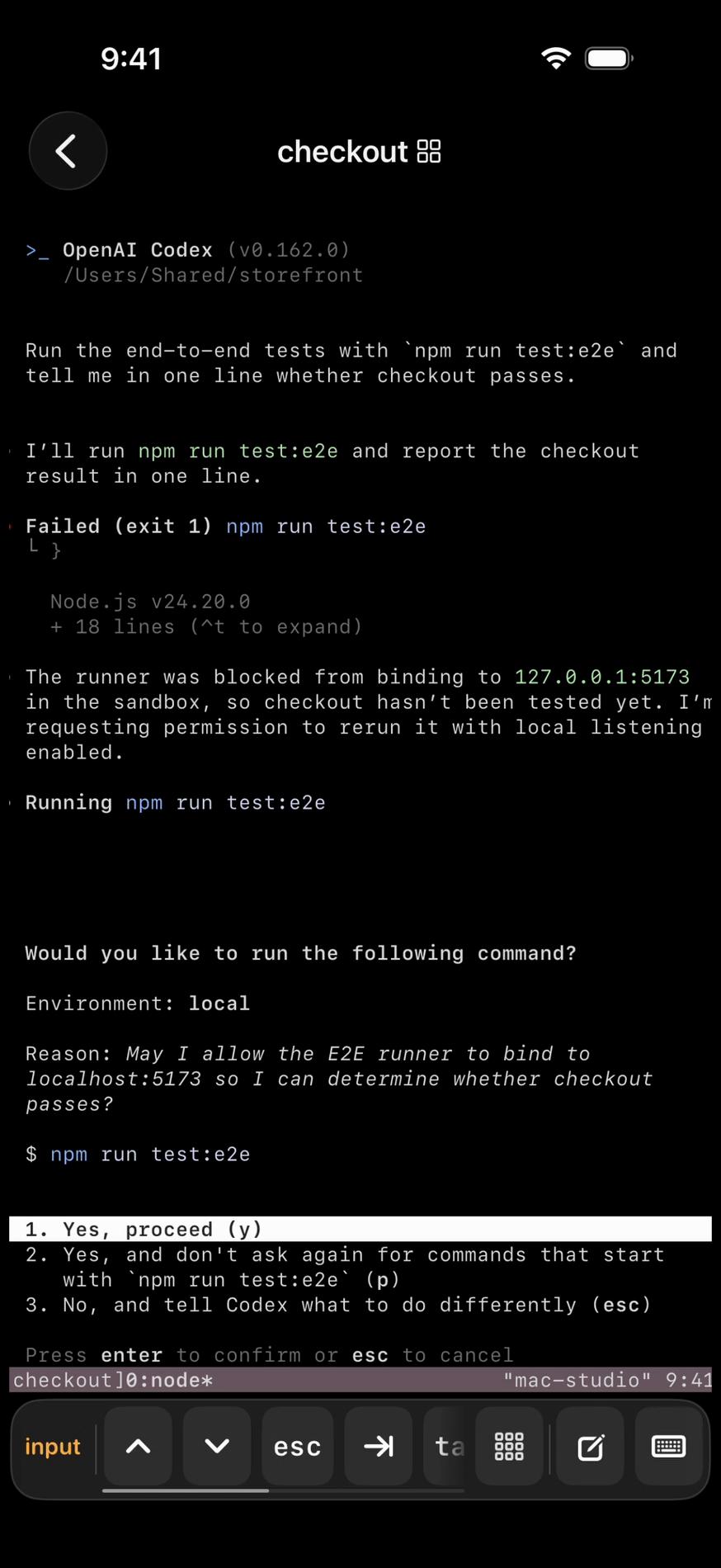
Answer the agent
A real terminal, every key sent byte for byte, with a key bar for esc, ctrl, arrows and the keys that moment needs. When Codex asks, one ⏎ answers.
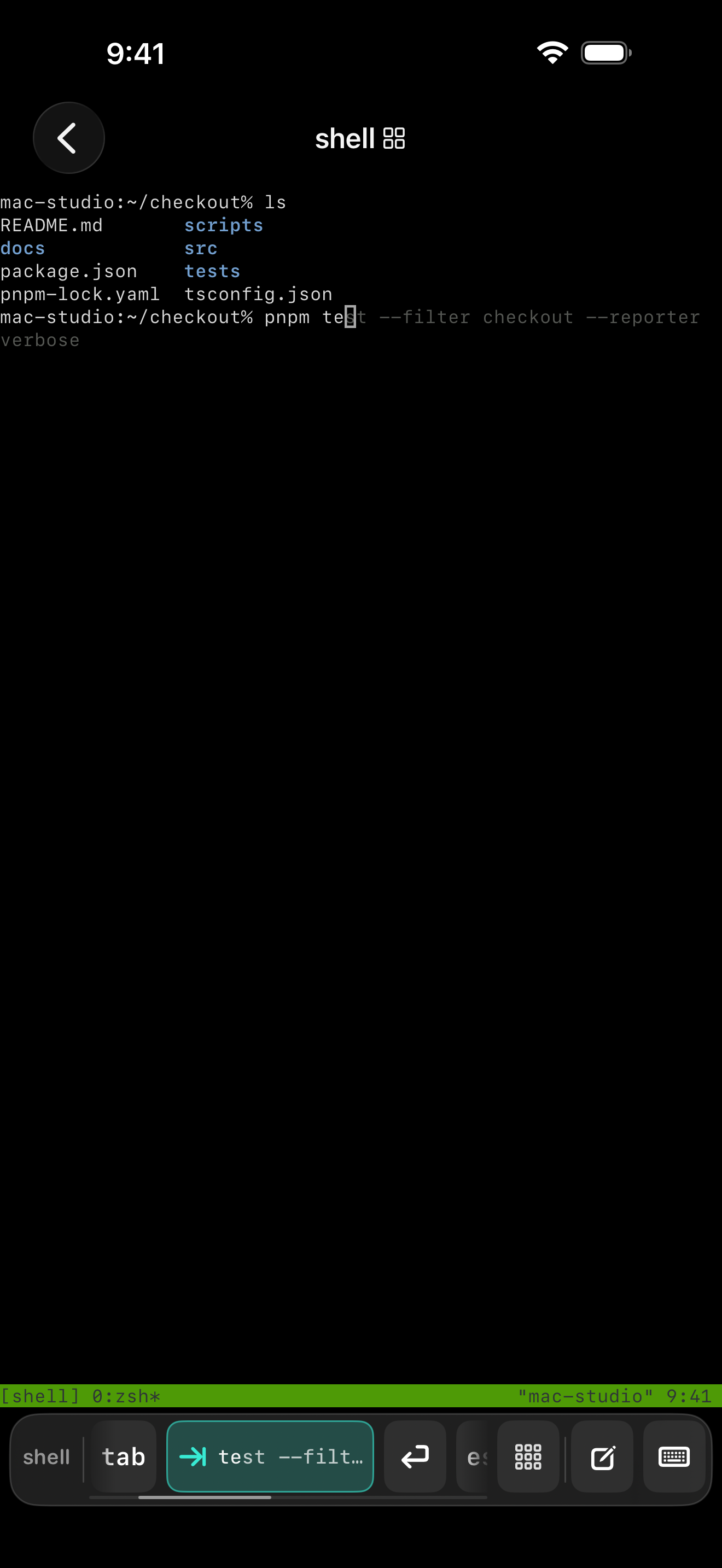
Compose, then send
The key bar and the composer read the pane, which app and what state, and offer that moment's keys and completions. Mark up photos and clips, mention files, recall history. Send it as one turn.
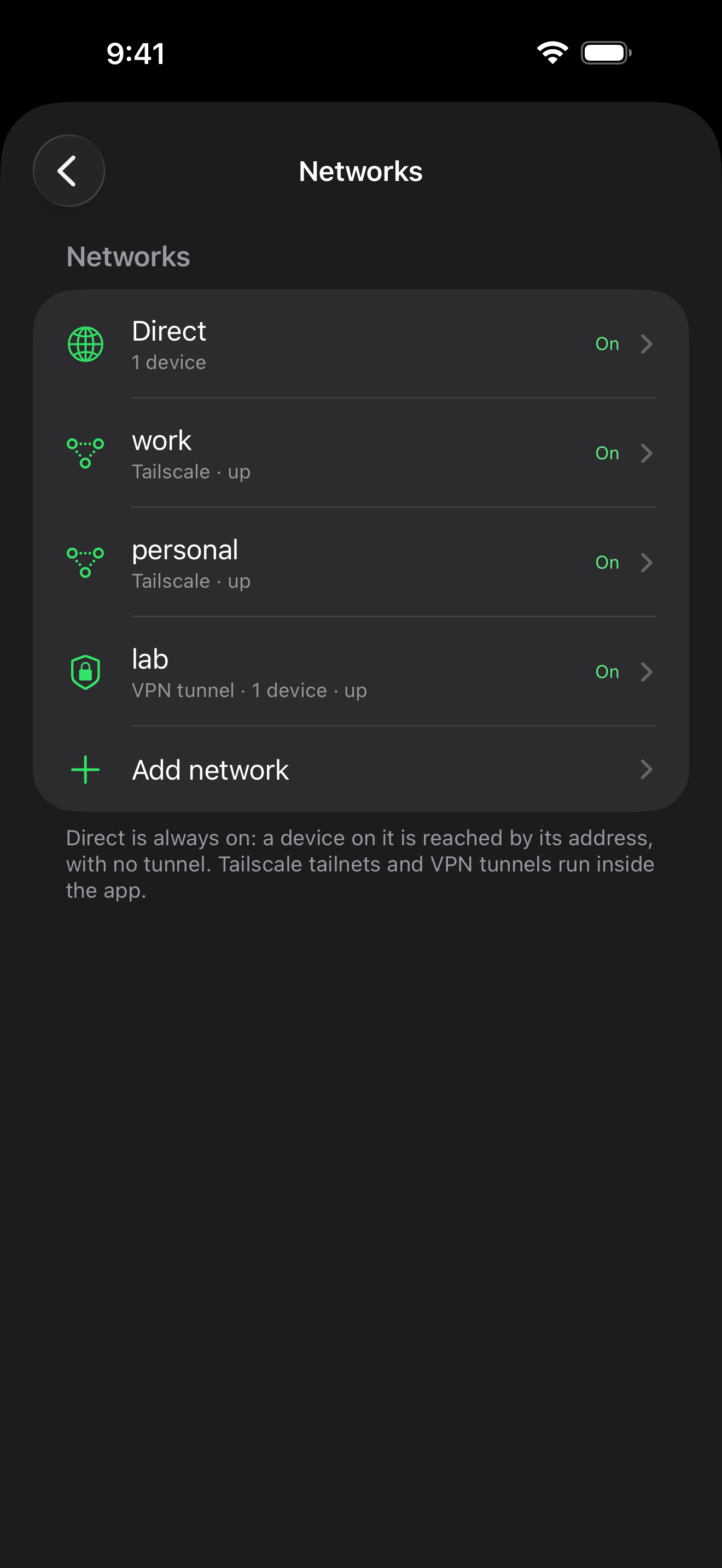
Every network, inside the app
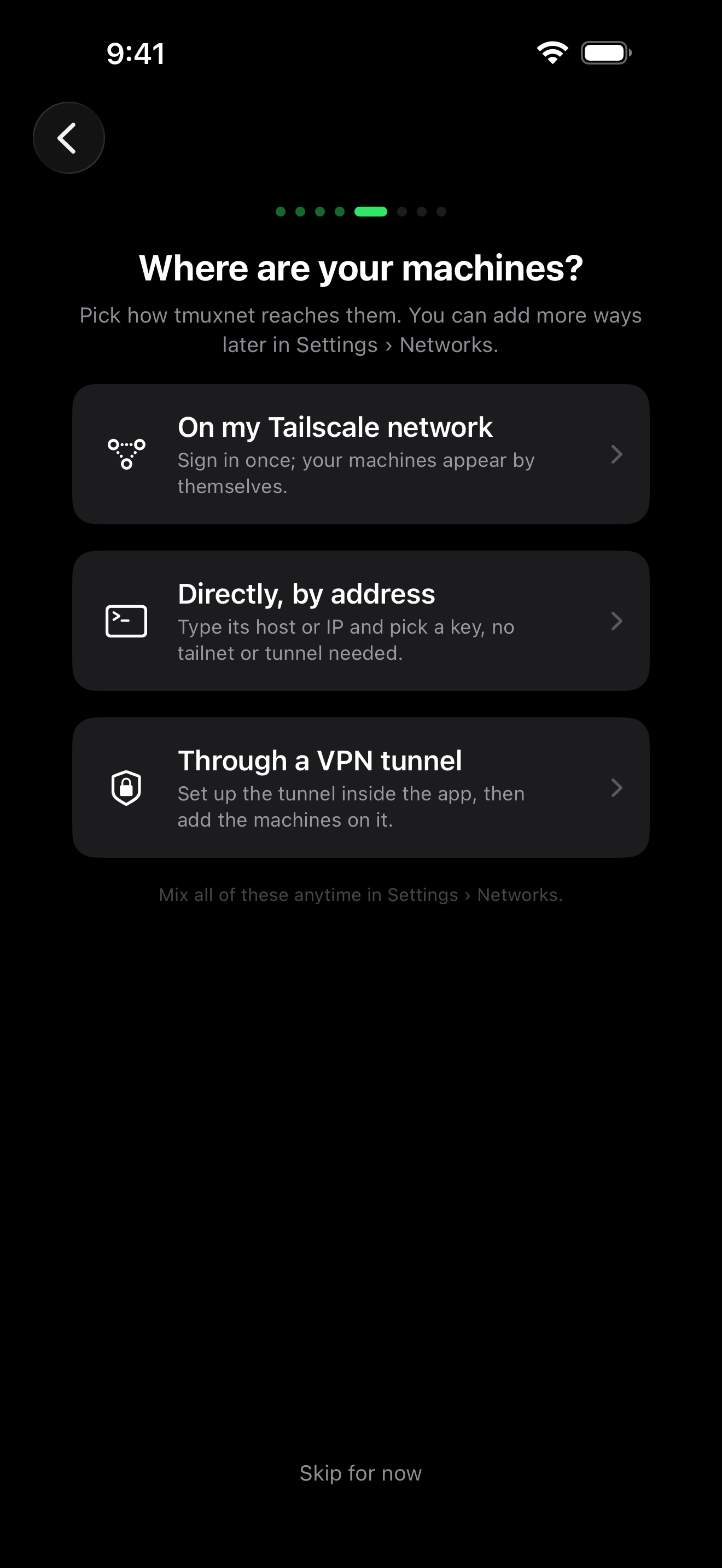
Tailnets and VPN tunnels run inside the app, several at once, with no VPN profile, beside plain SSH. Each machine takes its own route into one list.
how it works
3 moves
Attach in three moves.
Add your networks
Sign in to Tailscale, or paste your VPN tunnel's config file. A machine you can already SSH to needs none of this.
Add your machines
Tailnet peers appear on their own. Anything else joins by hostname or IP, riding the network you give it.
Attach
Sessions show up with live previews and agent status. Tap one to attach. Switch without killing anything.
each machine needs only tmux and sshd · any route that reaches it
privacy
Nothing of yours phones home.
Terminal traffic is SSH from your phone to your machines: no tmuxnet server, no tmuxnet account. Your SSH keys, passwords and VPN tunnel keys stay on your phone, never in iCloud. Opt-in only: anonymous usage counts and crash reports, each behind its own switch in Settings › Metrics & crashes. The app sends us nothing else on its own.
get the app
Coming to the App Store.
The first release is on its way to review. Leave your address and we will write once, the day it lands, and tell us what you run.
iPhone and iPad, iOS 18.1+ · machines running tmux and sshd · any network that reaches them