features
What tmuxnet does.
One list of every tmux session on every machine, a real terminal to type in, and a composer for longer prompts, files and screenshots.
capabilities
4 rows
The session list is the app.
- Every machine, one list
- One session list across every machine you add, grouped per host with live previews. Attach, switch, and kill without caring which machine owns what.
- Every network, same list
- A tailnet, a second tailnet, a VPN tunnel, a box on plain SSH, all connected at once, each machine on its own route. Their sessions share one list. You never switch networks to look.
- No VPN app, no profiles
- The tunnels run in userspace inside tmuxnet. Sign in once and nothing appears in iOS Settings: no profile to toggle, and the phone’s one system VPN slot stays free.
- Status read from the screen
- Reads Claude Code and Codex screens as running, waiting, needs input, idle or error, so the list shows who needs you before you attach.
the composer
4 screens
Say more than a keystroke.
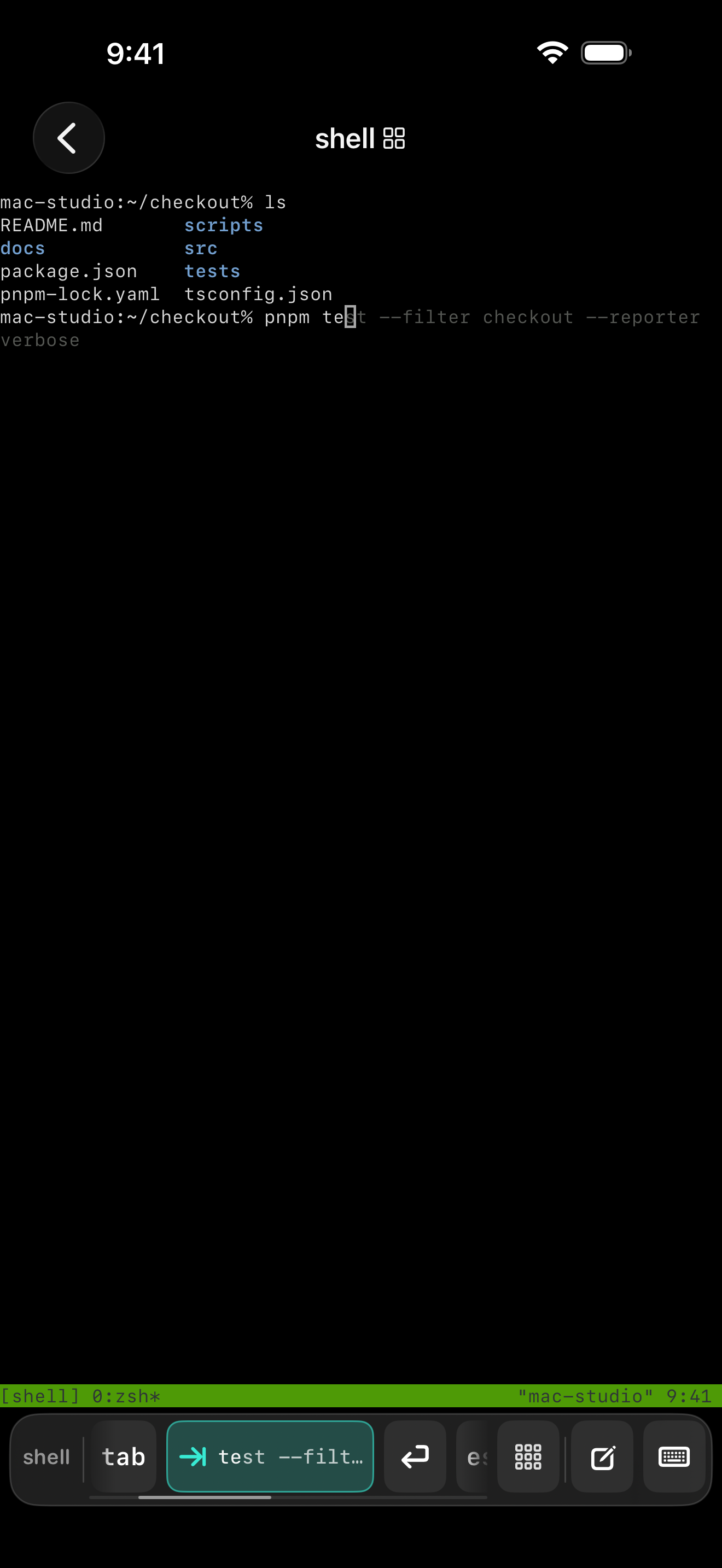
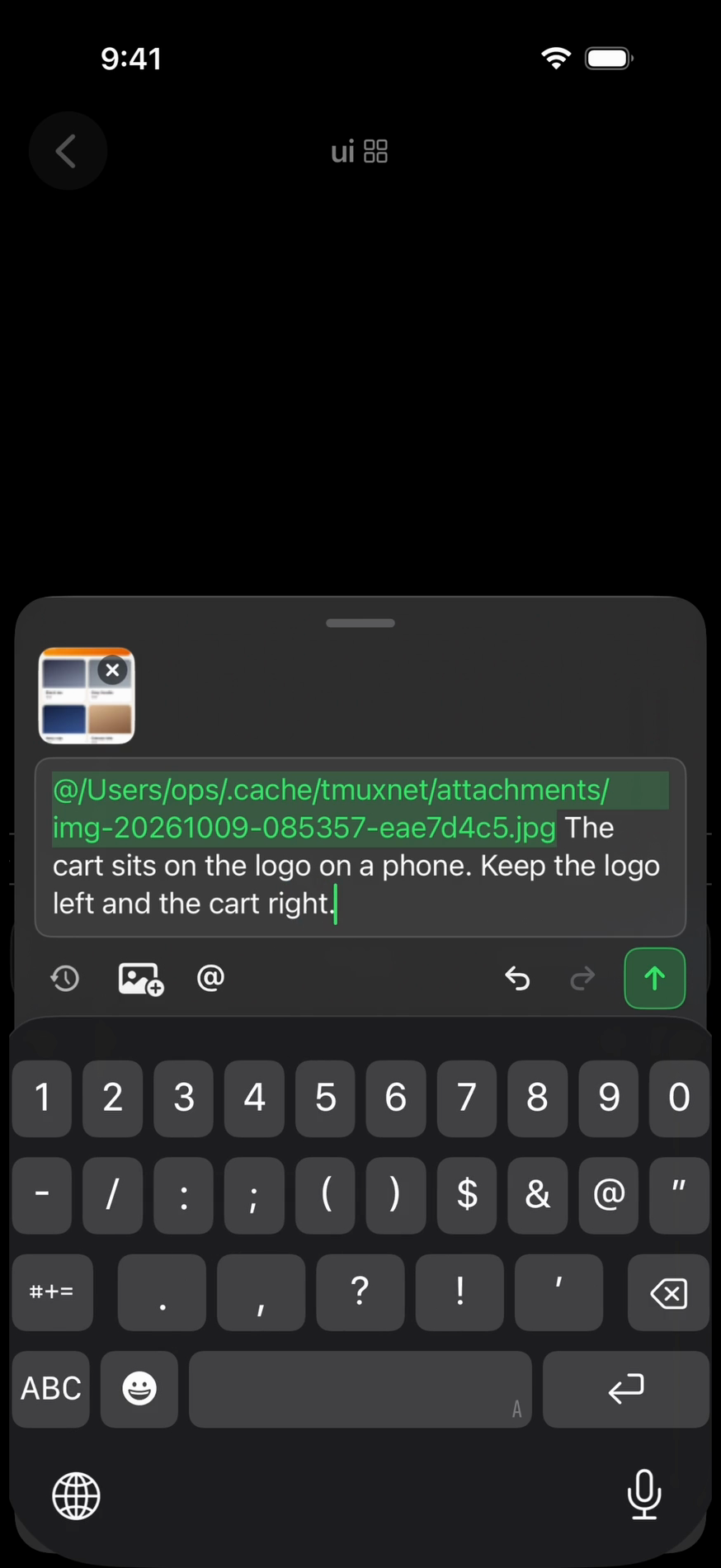
The key bar completes what the shell offers. The composer drafts the whole prompt, mentions files, and carries photos and clips, marked up on the phone, to whichever machine the pane is on.
typing
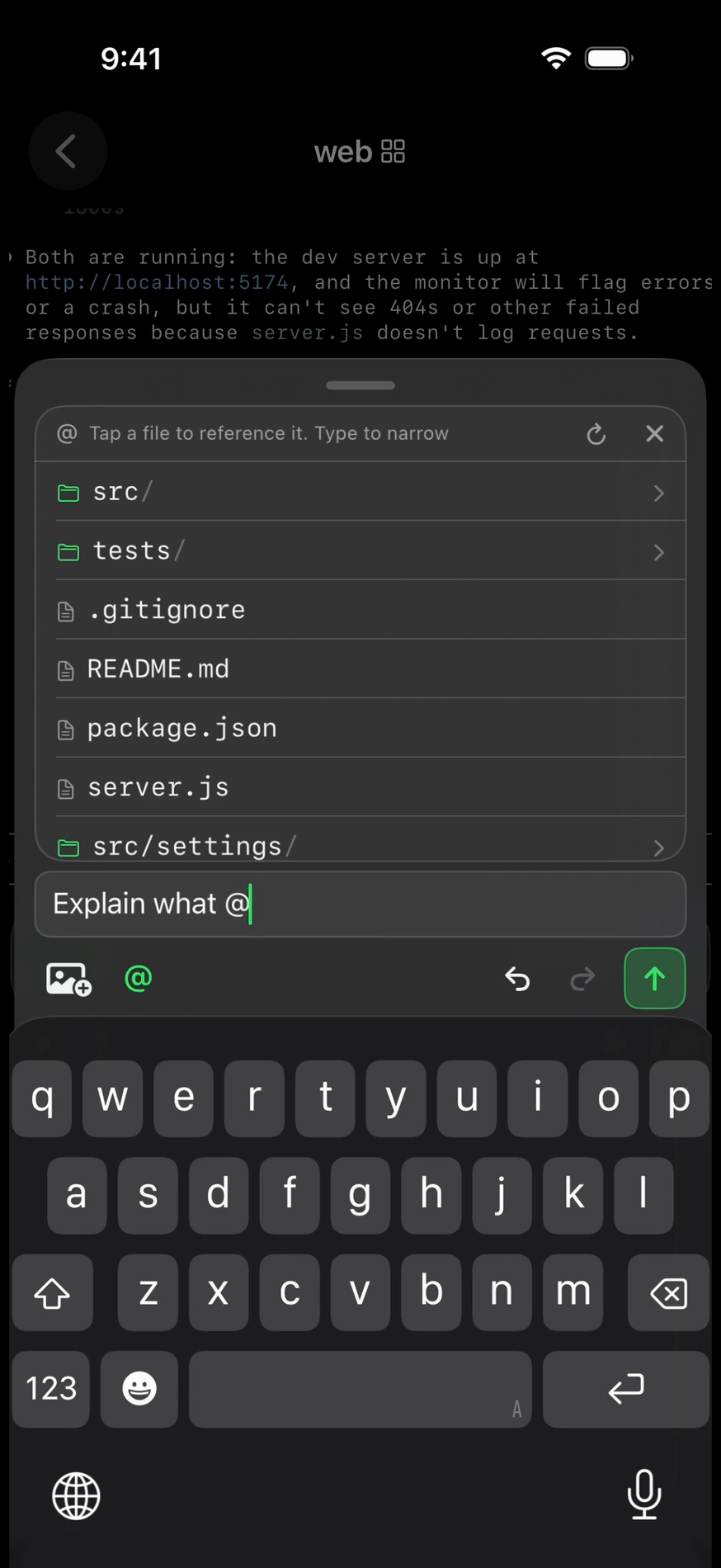
attachments
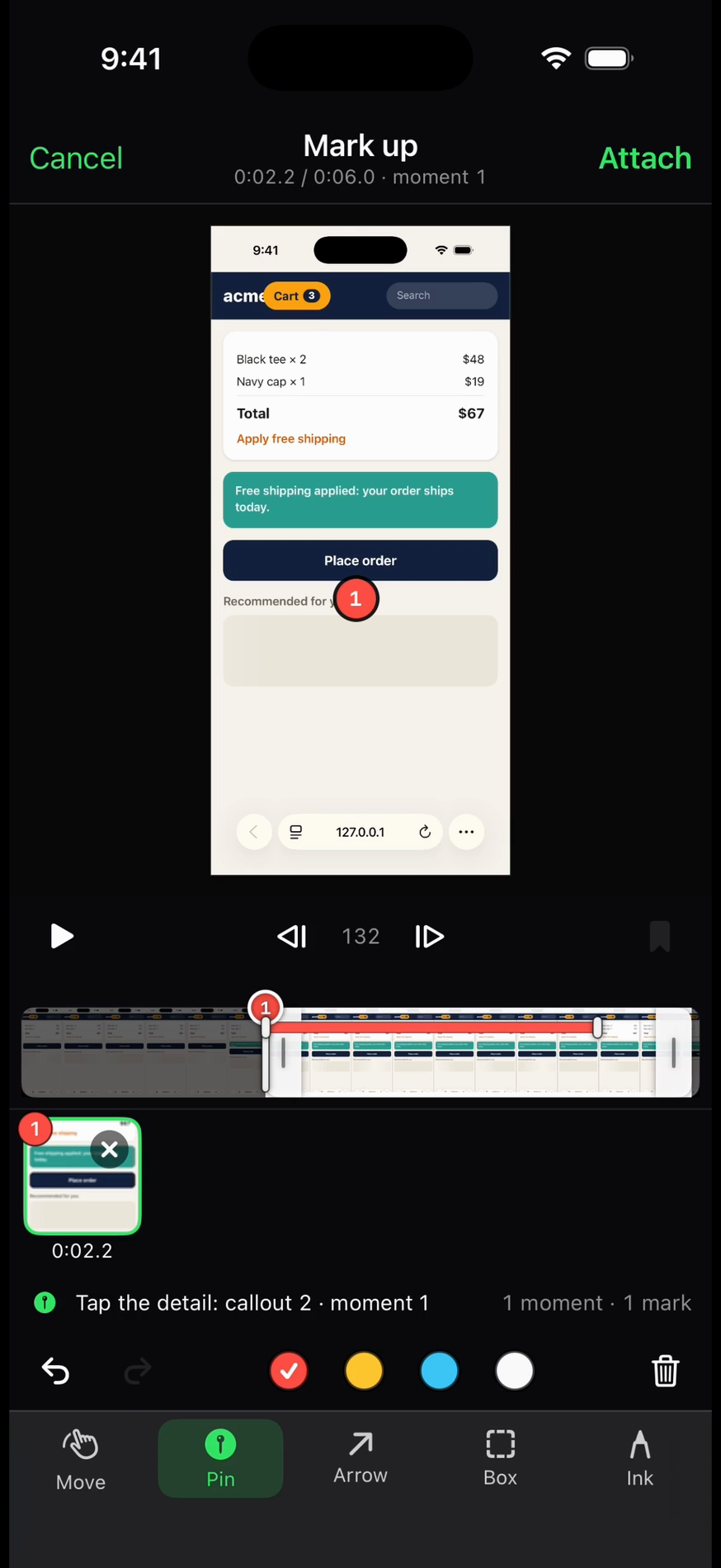
classification
table A
Five states, read from the screen.
No plugins on the machine, no agent hooks. tmuxnet reads what the terminal shows, the same way you would.
- ▶ running
running: The agent is working. Nothing needed from you.
tell: spinner frames advancing
- ⧗ waiting
waiting: Claude Code is idle, but a shell, monitor or agent it started is still running. It wakes by itself when that work reports back.
tell: a task count under the prompt, like 1 shell
- ● needs input
needs input: Blocked on you: an approval prompt or a choice picker.
tell: numbered options under a question
- ‖ idle
idle: Agent open and ready for a new prompt, nothing running.
tell: fresh prompt after settled output
- ! error
error: A terminal API error: auth, usage or quota, not a retry.
tell: error banner at the input line
table A: the five agent states, as the list badges them.